What matters when buying Multimedia
Start with the intended use
Multimedia covers equipment and materials for listening, recording, streaming, projecting and study. Decide which task matters most before comparing specifications: a speaker for a desk has different priorities from a monitor for audio production, while a projector or audio interface serves a different role again. Check what equipment you already own and what you may need to add, such as cables, a screen, a microphone or stands. Bundled accessories can be useful, but confirm that they suit the intended setup.
For a mixed or wholesale electronics lot, treat the contents as a separate kind of purchase. Ask for an itemised description, including quantities, models and condition, and clarify whether items have been checked for operation. A stated range of unit numbers may not tell you exactly what will arrive. Consider how you will identify, test, store or distribute the contents.
Choose speakers for the room and listening task
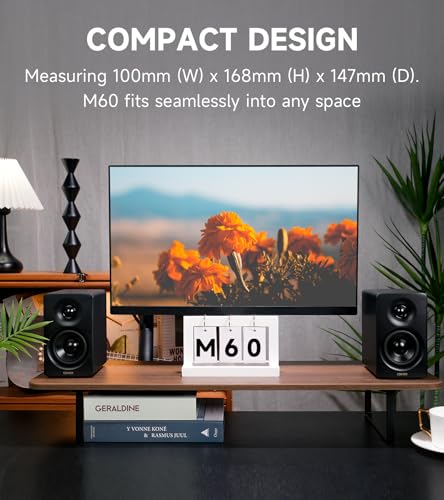
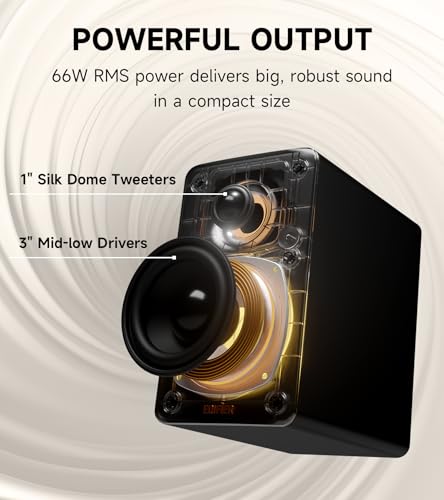
Desktop and multimedia speakers are generally intended for everyday listening, while studio monitors are designed for more deliberate audio work. Consider listening distance, available desk or floor space, and whether the speakers will be used for music, films, gaming or production. Check the connections against the devices you plan to use: common options include USB, analogue audio and Bluetooth, but availability and supported functions vary.
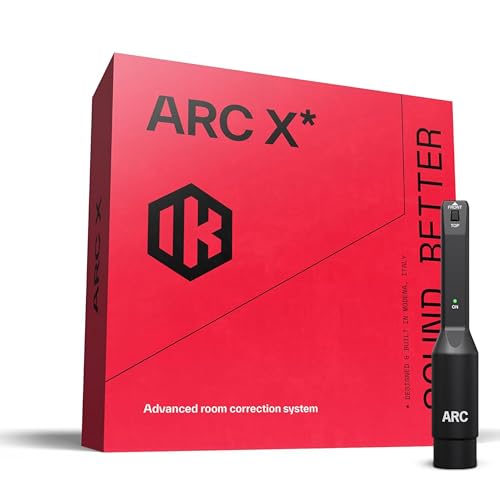
Look at how a speaker system is arranged. A separate subwoofer can add low-frequency output, but needs space and a suitable connection to the main speakers. Room shape, furniture and speaker placement affect what you hear. Calibration features may help compensate for room acoustics, but check whether they require a microphone, software or a compatible computer. For production work, consider whether speaker emulation or other monitoring tools fit your workflow.
Check projector suitability and connections
For a projector, confirm its native resolution rather than relying only on the resolution of supported input signals. Screen size, viewing distance and room lighting all affect the image. Check the specified brightness and whether the projector offers the adjustment features needed for your intended position, such as focus or keystone correction. A supplied screen or stand may make setup easier, but check its dimensions and whether it can be placed securely.
Make sure the projector has inputs for the sources you intend to connect, such as a computer or media player. Check what cables are included and whether audio is handled by the projector or by separate speakers. Portability can matter for occasional use in different rooms, but weigh it against setup requirements and the space available for the projected image.
Match recording equipment and media to your setup
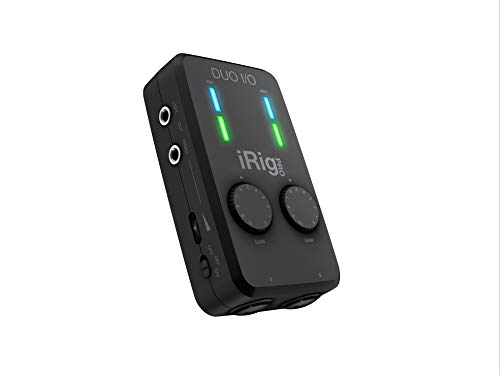
Audio interfaces differ in their inputs, outputs and intended devices. Before choosing one, check compatibility with your phone, tablet or computer, including its operating system and connector. For microphone use, confirm the input type and whether the interface supplies any power the microphone requires. For streaming, consider how sound from microphones, instruments and playback devices will be connected and managed.
For a technical book, check the subject coverage, edition and format against your needs; a title aimed at engineering study may not be a practical guide to operating equipment. Across all categories, read the full specification and included-items list, and check support or warranty details where relevant.