What matters when buying Gaming Ultrabooks
Performance Considerations
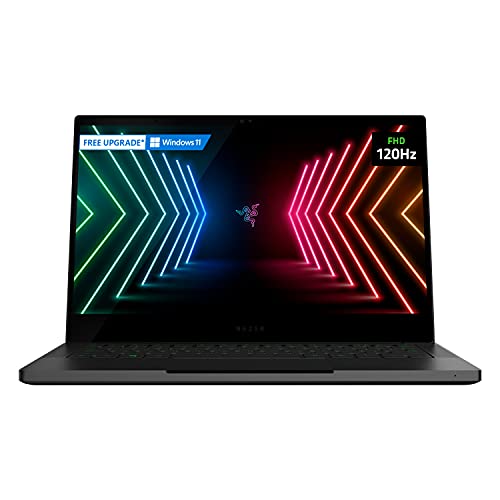
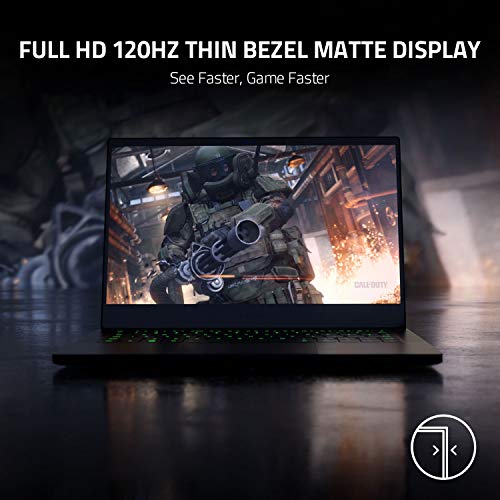
When selecting a gaming ultrabook, performance is a crucial factor. This includes the processor, graphics capabilities, and storage options. A powerful CPU, such as those from Intel’s Core i5 or i7 series or AMD's Ryzen series, is essential for seamless gaming experiences. For graphics, dedicated GPUs are preferable, although some ultrabooks may rely on integrated graphics, which could limit gaming performance.
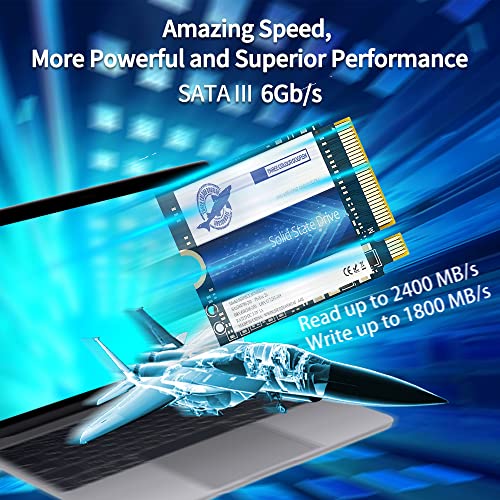
Storage is another important aspect. Solid State Drives (SSDs) are recommended due to their speed and reliability. The capacity of the SSD should be considered based on the gaming library and potential software requirements. Common capacities range from 256GB to 1TB, with larger sizes offering more flexibility for games and applications.
Design and Portability
Ultrabooks are typically designed for portability, making weight and size significant factors in the selection process. A lightweight and slim design enhances mobility, particularly for users who may travel with their device. Display size also plays a role; a balance between screen real estate and portability should be achieved, with 15 to 16-inch displays being common for gaming ultrabooks.
Additionally, consider the build quality and materials used, as these can impact durability and aesthetic appeal. A robust chassis can withstand the rigours of transport and everyday use, which is especially important for gaming setups that may be frequently moved.
Cooling Solutions
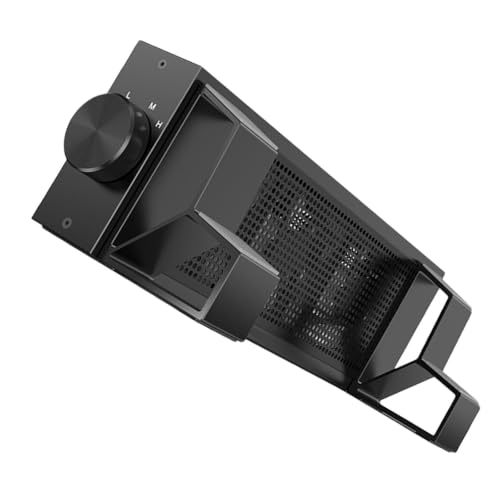
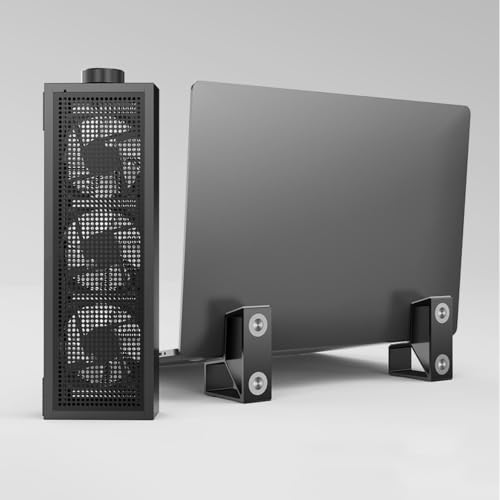
Gaming can generate considerable heat, making an effective cooling system vital for maintaining performance and longevity. Look for ultrabooks with advanced cooling solutions, such as dual fans or optimised airflow designs. Some models may offer cooling pads or stands that enhance thermal management, which can be particularly useful during extended gaming sessions.
External cooling accessories, such as laptop stands with built-in fans, can also help in maintaining optimal temperatures, ensuring the device runs smoothly under load.
Connectivity and Accessories
Connectivity options are essential for a gaming ultrabook, as they affect how easily peripherals can be connected. Look for devices with multiple USB ports, including USB-C and USB 3.0, as well as HDMI outputs for connecting to external displays. Wireless connectivity, such as Wi-Fi 6 and Bluetooth, is also beneficial for seamless online gaming and accessory use.
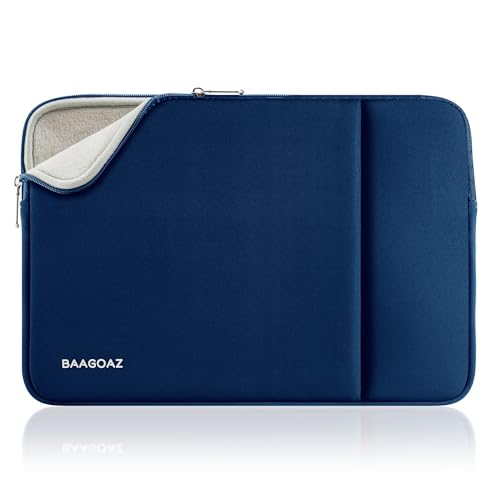
In addition to the ultrabook itself, consider accessories that enhance the gaming experience. Protective sleeves or cases can safeguard the device during transport, while adjustable stands can improve ergonomics during use. Cooling pads may be necessary for maintaining performance during intensive gaming sessions. The choice of accessories should complement the primary device, ensuring a well-rounded gaming setup.
Footnotes
* Terms such as "best" and similar expressions reflect our personal assessment.
** Prices and availability may have changed since they were last retrieved. The price shown by the seller at the time of purchase applies.
Further important information
We may receive a commission if you make a purchase via the links on our site. This has no impact on the placement of the products on our site. Our website is part of amazon associates program - Amazon, Amazon Prime, the Amazon Logo and Amazon Prime Logo are registered trademarks of Amazon, Inc. or its affiliates. Disclaimer:
- The price shown may have increased since our last update.
- The sale takes place at the price stated by the seller at the time of purchase.
- Updating prices in real time is not technically possible.