What matters when buying Desktop
Choose a desktop format
A tower, mini PC or all-in-one can suit different spaces and ways of working. A tower keeps the screen separate and is often the most practical format if you want to choose your own monitor or may want to change components later. Check its dimensions, available ports and whether there is room for future upgrades; upgrade options vary by model.
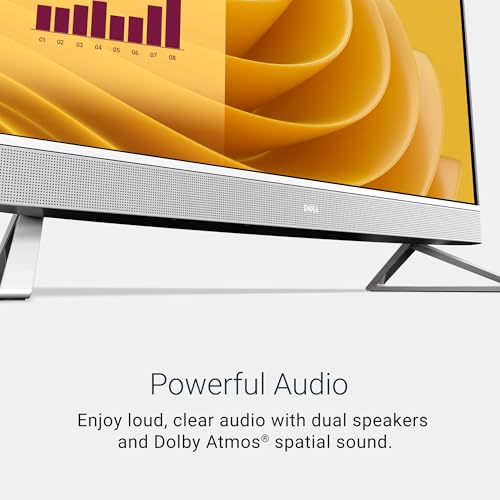
A mini PC takes up less desk space and can be paired with a monitor of your choice. Its compact size may limit internal expansion, so check that its memory, storage and connections meet both current and likely future needs. An all-in-one combines the computer and display in one unit, reducing separate components and cables. Its screen size and resolution are part of the decision, and replacing or upgrading the display separately may not be possible.
Match performance to your workload
Consider the software you use rather than choosing by processor name alone. Everyday browsing, office applications and video calls generally need less processing power than demanding creative software or modern games. A more capable processor can help with intensive tasks, but performance also depends on the specific processor, cooling and the rest of the system.
Graphics are another important distinction. Integrated graphics share system resources and are commonly suitable for general desktop use and video playback. A separate graphics card is worth considering for graphics-heavy games, 3D work or other applications that benefit from dedicated graphics processing. Check the software’s requirements and the type of display output needed, particularly if using more than one monitor or a high-resolution screen.
Check memory and storage
Memory affects how well a computer handles several applications at once. Capacity needs depend on workload: a lighter home or office setup may have different requirements from video editing, design or gaming. Some compact computers and all-in-ones have memory that is difficult or impossible to replace, so check whether it is upgradeable before buying.
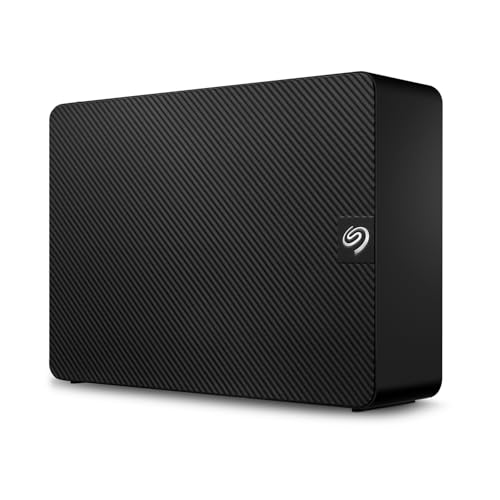
Storage holds the operating system, applications and files. An SSD is standard across these options and can make starting the computer and opening applications feel more responsive than older mechanical storage. Choose capacity according to the amount of software and local files you expect to keep. If you use large media libraries, check for additional storage connections or plan to use external storage.
Consider the display, connections and software
With an all-in-one, assess the screen’s size, resolution and finish as well as the computer itself. Full HD can suit general use, while the value of a higher refresh rate depends on the work or games involved. For a separate monitor, confirm that the desktop has compatible HDMI, DisplayPort or other video outputs. Also check whether the included keyboard and mouse are wired or wireless if that affects your setup.
Review the ports and wireless standards for the devices you plan to connect. USB type and number, audio connections and monitor outputs can matter as much as Wi-Fi and Bluetooth. Finally, compare the Windows edition with your needs: Pro includes business-oriented management and security features that may be useful in a workplace, while Home may be sufficient for personal use. Check the manufacturer’s support and warranty details before deciding.
Footnotes
* Terms such as "best" and similar expressions reflect our personal assessment.
** Prices and availability may have changed since they were last retrieved. The price shown by the seller at the time of purchase applies.
Further important information
We may receive a commission if you make a purchase via the links on our site. This has no impact on the placement of the products on our site. Our website is part of amazon associates program - Amazon, Amazon Prime, the Amazon Logo and Amazon Prime Logo are registered trademarks of Amazon, Inc. or its affiliates. Disclaimer:
- The price shown may have increased since our last update.
- The sale takes place at the price stated by the seller at the time of purchase.
- Updating prices in real time is not technically possible.